
Videos cleanup
Find Large and Similar Videos on iPhone
A minute of 4K video takes hundreds of megabytes. A handful of forgotten clips usually outweighs thousands of photos.
Get it on the App Store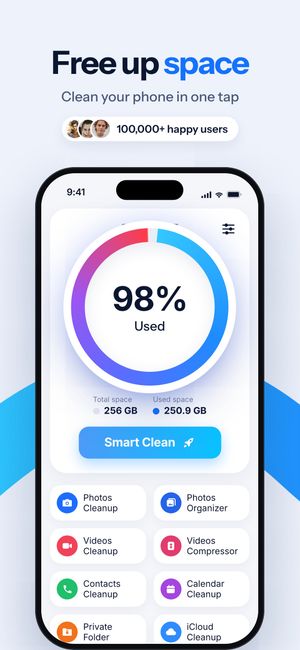
What it does
- All videos with their sizes, so the heavy ones are obvious.
- Similar videos — retakes of the same scene, grouped like similar photos.
- iCloud Organizer — videos stored in iCloud, kept separately so you know what is on the device and what isn’t.
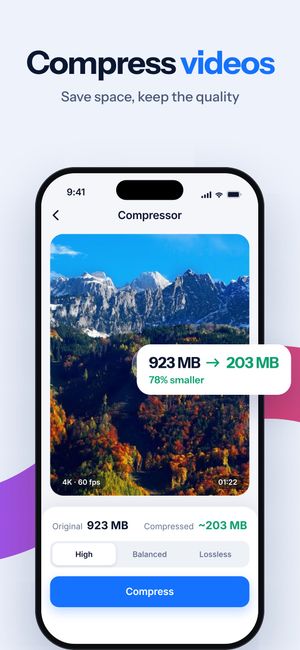
- A direct path to the compressor for videos you want to keep.
How it works
- Open Videos Cleanup and let the scan finish.
- Check the biggest clips and the similar groups.
- Delete what you don’t need, or compress the keepers — compressed copies keep the original date and albums.
Questions
Why do videos take so much space?
iPhone video is recorded at a high bitrate for editing headroom. 4K at 60 fps is several hundred megabytes per minute — far more than any number of photos taken in that minute.
Can I keep a video but make it smaller?
Yes — that’s what the video compressor is for. The compressed copy keeps the original date and albums.

Do it for the whole library
Clear Cleaner finds duplicates, similar shots and heavy videos across your iPhone and compresses the videos you keep. Nothing is deleted until you confirm.
More in Clear Cleaner
Duplicate & similar photosGroups near-identical shots, marks the best one, deletes the rest after you confirm.Video compressorThree quality levels, the new size shown up front, original date and albums kept.Contacts cleanupSame name, number or email — merged into one card. Plus empty and incomplete contacts.Smart CleanOne scan across photos, screenshots and videos with the total you could free.Private FolderPersonal photos and videos behind Face ID or a passcode.